
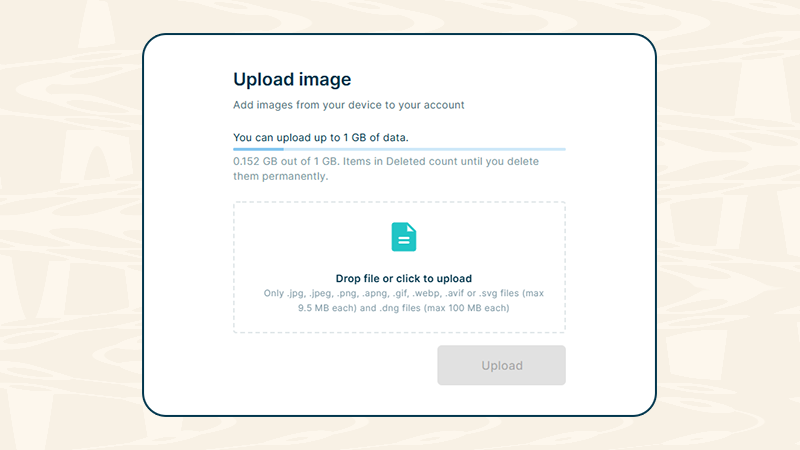
You can now upload images directly to Rubra and keep them alongside all your other content.
Upload images manually from the web app or the extension or share them directly to Rubra using the Rubra app for iOS and Android.
Images work just like other items in Rubra. Add tags, search and filter them and save them to your collections to keep everything organized and easy to find.
You get 1 GB of free storage to get started.
Supported formats
- .jpg, .jpeg, .png, .apng, .gif, .webp, .avif and .svg up to 9.5 MB each
- .dng up to 100 MB each
What can you use it for?
Create image-based tier lists
Upload images and use them to create tier lists for products, characters, outfits, food, destinations, designs, and much more. Drag and drop your images into different tiers to rank and compare them.
Collect visual inspiration
Save photos, designs, screenshots, illustrations, or other visual references that inspire you.
Build moodboards
Create collections of images for interior design, fashion, branding, photography, travel, or creative projects.
Save research material
Keep charts, diagrams, screenshots, infographics, and other visual information together with your research.
Create visual recommendations
Collect products, places, outfits, destinations, or other things you want to recommend and share with others.
Organize your own photos
Store photos in collections and use tags and search to quickly find them again.
Collect content on the go
See an image you want to keep while browsing on your phone? Share it directly to Rubra from the iOS or Android app and save it to your collection.