
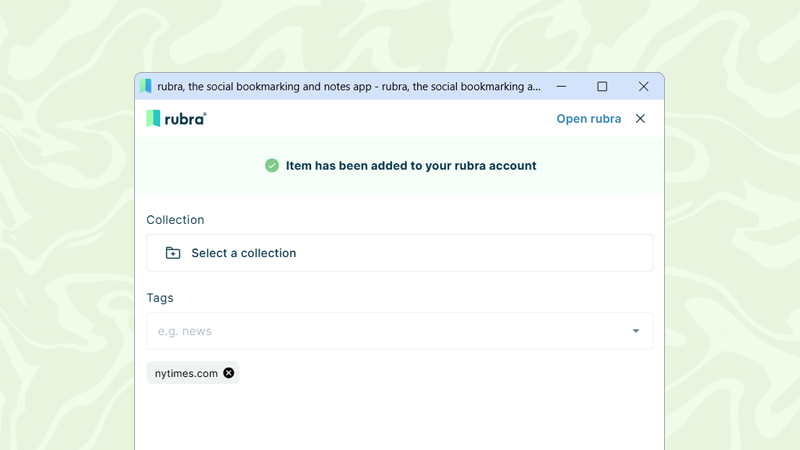
We’ve streamlined the process of adding new items to rubra. When you save an item using the browser extension or mobile app, you can now choose the collection(s) you want to save it to and add tags directly from the … Read More
Author Archives: rubra
Restore Deleted Collections and Items
Accidentally deleted a collection or removed an item? You can now undo those actions. With this update, deleted collections and items removed from collections can be restored, making it easier to recover content that was deleted by mistake. Please note: … Read More

Enhanced Tag Filtering with AND / OR Logic
Finding the right items is now even easier with improved tag filtering. You can now combine multiple tags using AND or OR logic to refine your results: Any tag (OR): Displays items that match at least one of the selected … Read More
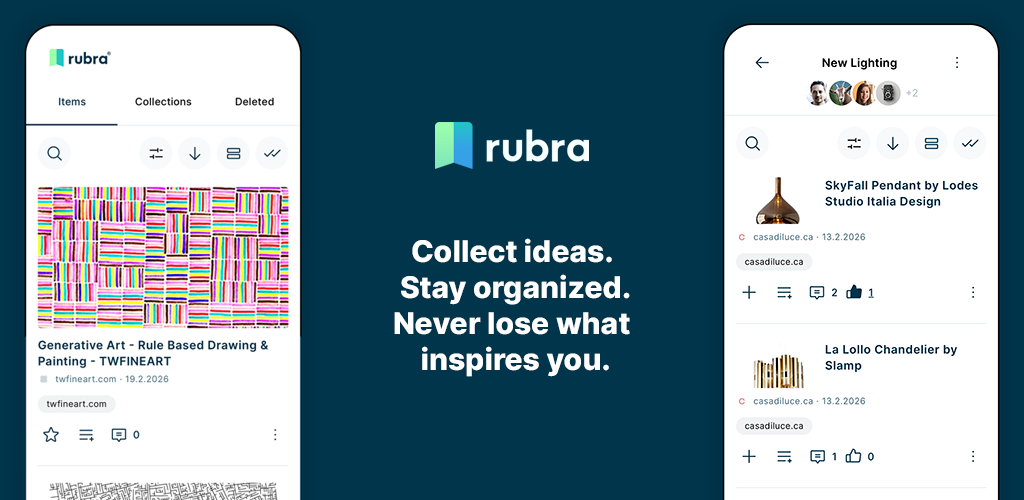
Overcoming Digital Chaos: Why and For Whom Rubra Delivers Incredible Value
The modern web is an infinite stream of inspiration, but it is also a recipe for digital chaos. Between open browser tabs, scattered links in chat apps, and half-baked thoughts scribbled in random text documents, we are constantly losing track … Read More

Granular Roles & Access Rights for Collections
Managing collaboration just got more flexible. You can now assign specific roles and access rights to users when inviting them to contribute to your private or public collections. This gives you better control over who can view, contribute, or manage … Read More
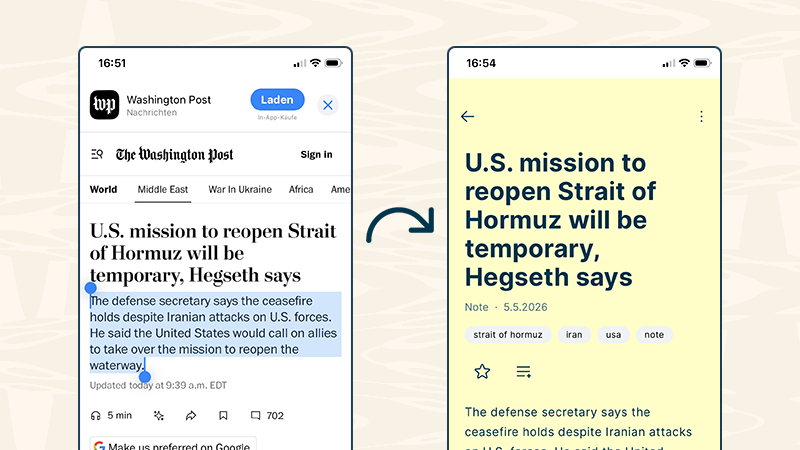
Save notes instantly — from any webpage
You can now use the rubra mobile app or the rubra browser extension to instantly save highlighted text from any webpage as a note. How it works: Mobile: Highlight text and share it directly to rubra using the share functionDesktop: … Read More
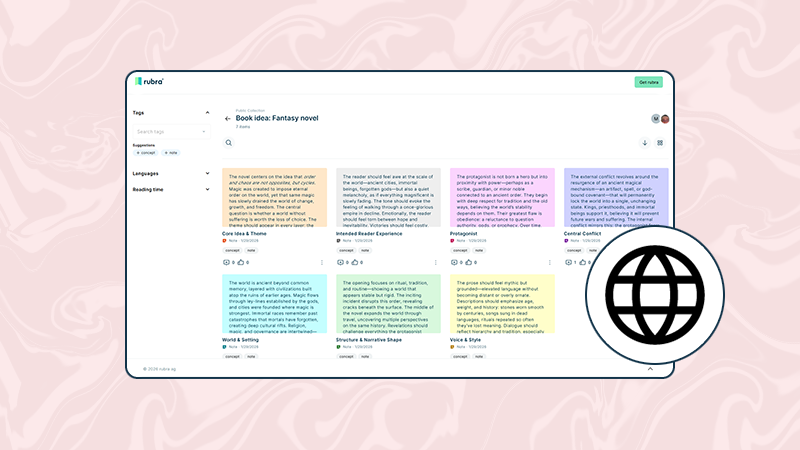
Public collections
From now on, you can publicly share your collections of bookmarks and notes. Once a collection is published, it becomes accessible to anyone who has the corresponding link. This makes it much easier to share curated content, bundle knowledge, or … Read More
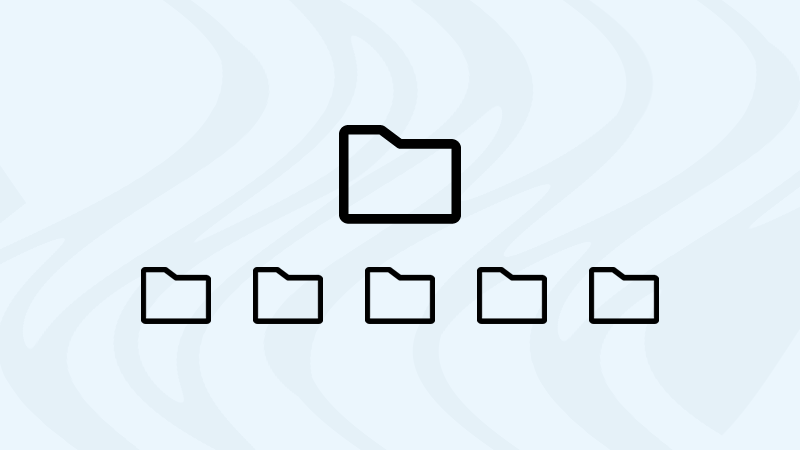
Sub-collections
To sort your entries better, you can now create sub-collections in your collections. To do this, go to one of your collections and click on the Create sub-collection button. Select the name of the sub-collection and the default settings and … Read More